An option to speed up work order list views is available in the coming release of Calem R2026 (January 2026). Layered queries are used to calculate work order Ids for a list view before populating the presentation data.
- The option is especially valuable for clients with large set of work orders in Calem with many years of historical data.
- The option is not enabled by default. It may be activated on-demand.
- The option may achieve ~64% reduction in load time of list views in multi-site access environment.
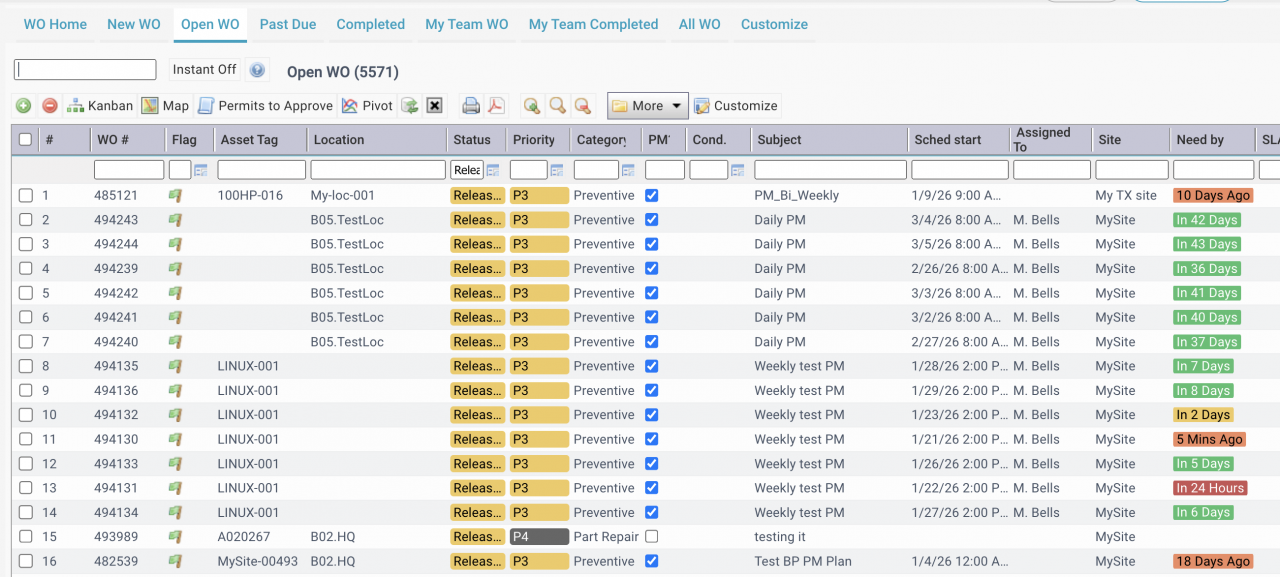
Clients of Calem Cloud may request the activation of the feature by contacting Calem. Customers of Calem On-Premise deployment may activate the feature by adding the following settings to CmConf.custom.js at Calem/client/conf.
- See Calem Admin Guide for additional settings for the feature.
//1. Turn on the feature.
CmConf['mb10131']['m2_on']=true;

//2. Enable by tables or forms.
CmConf['mb10131']['tb']['cm_wo']=true;
CmConf['mb10131']['tb']['cmv_wo']=true;
CmConf['mb10131']['tb']['cm_asset']=true;
CmConf['mb10131']['tb']['cmv_asset']=true;
Additional Resources
- Tips to Browse Open Work Orders
- Work Order Kanban Visualization
- Work Order Pivot Visualization
- How to Use Floor Plans in Calem
- How to Set Up Map Views in Calem
- How to use Calendar Views with Work Orders
- How to Increase Productivity with Home Form
- Open Work Order Board
- How to Manage Work Orders by Teams
- When to Use Teams in Calem
- How to Manage Resource Schedules
- How to Do Weekly Schedule by Team
- User Guide and Admin Guide (customer account required)
- Calem Enterprise Training Site
- Calem Enterprise Blogs
- Calem Enterprise demo