Calem Blogs
Blogs of CalemEAM
Project Tip: Filtering Projects for Last Modified
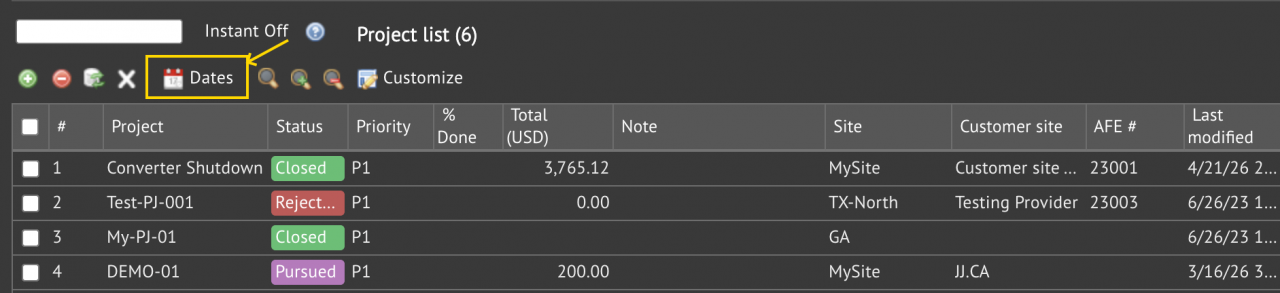
Project filtering by "Last modified" is available in the coming release of project and report.
- It is the "Dates" menu in project list and report (Project | Report | Project List).
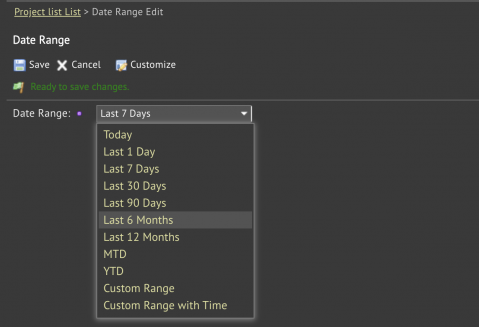
- Select a date range, or populate a custom range, click "Save" to apply filtering.
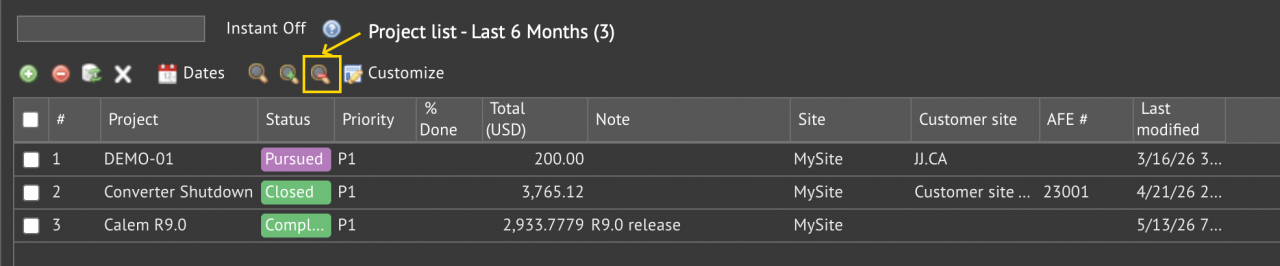
- To remove date range filtering, click "Search Clear".
- Additional filtering (such as search row in screenshot below) may be applied while dates filtering is in force.

About the author

By accepting you will be accessing a service provided by a third-party external to https://eam.calemeam.com/